Children Coloring Pages for KDP: A Creative Guide
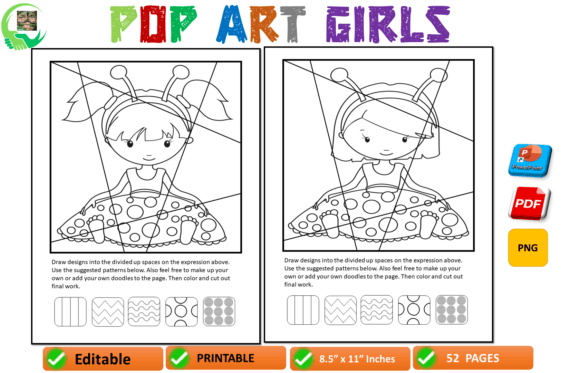
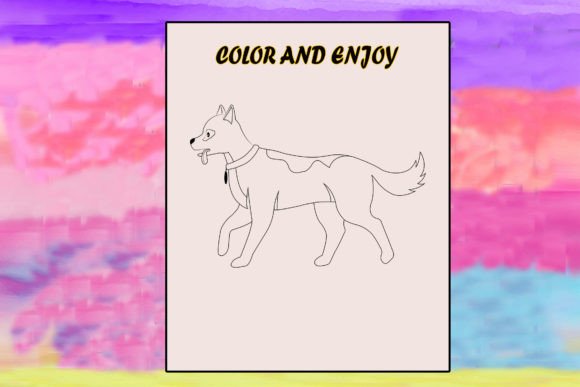
Creating a successful coloring book for Kindle Direct Publishing starts with the right assets. The Children Coloring Page for KDP collection on Creative Fabrica gives you more than just simple line art. You receive print-ready files, editable AI and versatile PNG formats, and illustrations designed from the start to be easy to color. Whether you’re building your first low-content book or expanding an existing line, these pages help you skip the blank-page paralysis and move directly into assembly and publishing.
What Makes This Coloring Page Collection Different
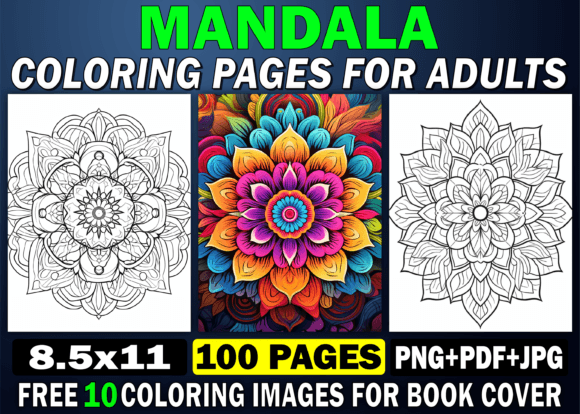
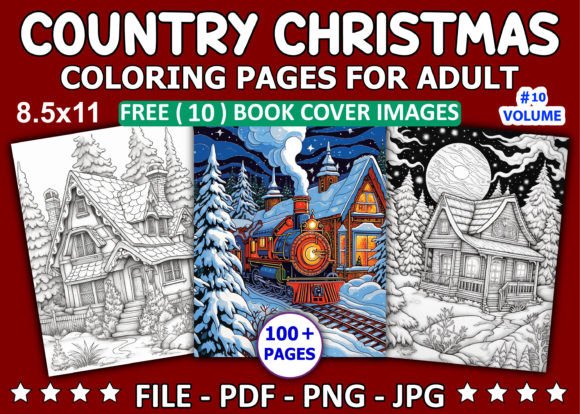
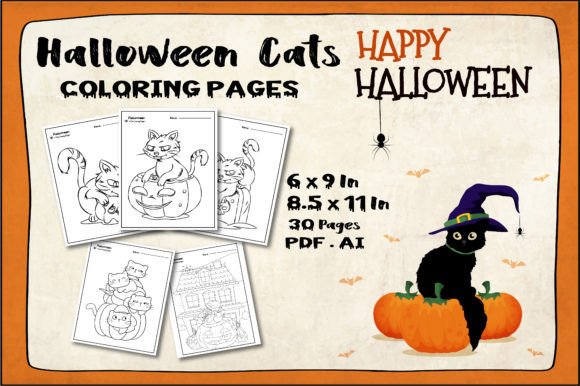
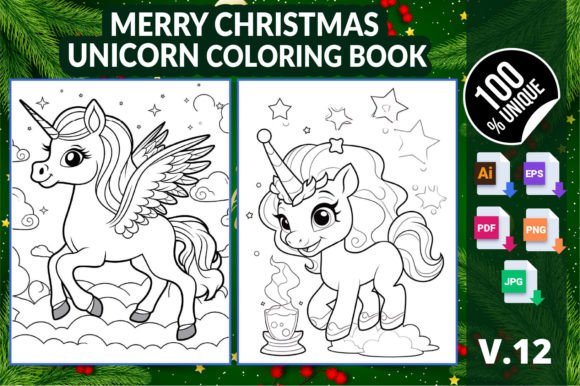
Every page in this pack is built with young artists in mind. The illustrations balance whimsical characters with clear, bold outlines that reduce frustration for small hands. You get a curated mix of themes — think playful animals, enchanted forests, simple mandalas, and basic alphabet objects — all unified by a style that feels hand-drawn yet polished. The files come as 300 DPI print-ready PDFs, so you can upload directly to KDP without worrying about resolution or bleed. The included AI and PNG files mean you can resize elements, change line weights, or even deconstruct a scene to create new combinations. This isn’t just a static set; it’s a flexible starting point for countless creative projects.
Practical Ways Different Creators Can Use These Pages
Not every user wants the same outcome. The beauty of a well-structured coloring page pack is how it adapts to different goals and audiences. Here are a few realistic paths you can take, depending on your role.
For KDP Publishers and Side Hustlers
If you’re building a passive income stream, time matters. Use the print-ready format to assemble a book quickly. Create a single-subject coloring book — like “Farm Animals” or “Underwater Fun” — by pulling together 25–30 themed pages from the collection. Add a simple cover using the PNG files in your design software, set your pricing, and you’re live. Because the illustrations are already crafted to be easy to color, you’re automatically addressing a common parent complaint: pictures that are too intricate for preschoolers. Bundle several mini-books into a series, and you’ve got a recognizable brand that shoppers start to recognize.
For Educators and Homeschooling Parents
Classroom and home education needs often call for targeted content. Take the same pages and re-contextualize them. Print a selection as standalone worksheets that reinforce fine motor skills. Overlay letters or numbers onto animal scenes using the AI file to create phonics or counting activities. Because you can edit the vector files, you can lighten certain elements or add dotted lines for tracing practice. A second-grade teacher might use the “magical landscapes” theme to build a storytelling booklet where children color a scene and then write a short paragraph about it. Suddenly a simple coloring page becomes a cross-curricular resource.
For Graphic Designers and Freelancers
Designers often need quick, high-quality assets for client projects that fall outside their usual niche. If a client asks for a children’s birthday party activity kit, you can pull individual PNG pages, resize them to A5, and drop them into a printable package alongside word searches and mazes. The AI source files give you the freedom to recolor outlines, remove elements, or combine characters into a custom banner. This flexibility means you can deliver original-looking work without drawing everything from scratch, which improves your margins and turnaround time.
For Parents and Hobbyists Making Personal Gifts
Not every project is commercial. Some of the most rewarding uses are personal — a quiet book for a long car trip, a customized birthday activity for a party, or a handmade grandparent gift. Use the easy-to-color pages as the core and add a handwritten dedication, the child’s name, or a special date. The print-ready format means you can run off copies at home without worrying about ink-heavy backgrounds. One mother I know printed a set of animal pages, bound them with a simple ring clip, and added a small box of crayons as a party favor. The kids loved it because the pictures weren’t generic — they had a cohesive, storybook feel.
Structuring Your KDP Coloring Book for a Clear, Satisfying Experience
A great coloring book is more than a pile of random images. When you use this Children Coloring Page for KDP collection, take a few extra steps to shape the overall experience. Start by choosing a narrow theme and age range. Instead of “Animals for Kids,” try “Big-Eyed Forest Animals for Ages 3–5.” This helps your book appear in more specific, less competitive searches. Next, sequence your pages so they tell a loose visual story or increase slightly in complexity. Place a simpler illustration on the first page to build confidence. Alternate single-object pages with busier scenes to keep attention steady.
Technical consistency matters for customer reviews. Use the print-ready PDF as your interior but always run a test print on your home printer to check alignment and margin safety. If you’re mixing pages from different packs, make sure the line style and thickness are similar. Nothing disrupts a child’s coloring flow like sudden shifts from thick cartoon outlines to thin, delicate details. The AI files are invaluable here — you can adjust line weights globally before exporting, ensuring visual harmony.
Expanding the Concept: Ideas Beyond the Basic Coloring Book
Think of each page as a raw ingredient. You can repurpose the same artwork into multiple products, spreading your effort across several income streams. Here are a few proven ways to extend your content without starting over.
- Coloring calendars: Resize 12 seasonal-themed pages and pair each with a simple grid. Perfect as a holiday gift.
- Activity bundles: Combine coloring pages with dot-to-dot, spot-the-difference, or simple puzzles you create using the same artwork.
- Digital coloring kits: Export PNGs with transparent backgrounds and package them as a printable ZIP file for Etsy or Gumroad, appealing to tablet users who prefer to print at home.
- Interactive learning packs: Add a vocabulary word under each image for early readers. Use the AI file to create a matching card game.
- Seasonal specials: Quickly recolor foliage, add snowflakes, or change accessories in the source file to create holiday-specific variants.
Keeping Your Results Original and Audience-Friendly
With any ready-made asset, the risk is blending in with every other publisher using the same graphics. Fortunately, the layered AI and PNG files give you room to personalize. Change the background of a scene, introduce a recurring side character across pages, or add your own hand-lettered titles. Even small tweaks — like replacing a generic tree with a regional variety or adding a child’s name placeholder — can set your work apart. Aim for a consistent palette on your cover and in any sample pages; this signals to buyers that the book was designed thoughtfully rather than auto-generated.
Accessibility is another practical consideration. The “easy way to color” promise built into these pages means thick lines, clear separation between areas, and minimal tiny details that frustrate younger children or those with developing motor skills. If you adapt the pages for older kids or adults, you might intentionally add more detailed elements, but always keep the core shapes strong. Testing with a real child in your target age group is the most honest quality check you can do.
Real-World Scenarios: From Idea to Published Book
Consider Sarah, a freelance illustrator who wanted to break into KDP but lacked time to produce 30 original pages. She grabbed this Children Coloring Page for KDP pack, filtered out 25 animal pages, and used the AI files to add a small “Can you find the hidden ladybug?” element to five of them. She titled her book “Woodland Wonders: A Hidden Surprise Coloring Adventure” and priced it at $5.99. Within three months, the book became a steady seller because the interactive twist differentiated it from standard animal books.
Then there’s Mark, a primary school teacher. He printed pages from the educational subset — alphabet animals and simple laboratory scenes — and laminated them to create reusable morning-work stations. Students colored with dry-erase markers, wiped them clean, and swapped. The print-ready format meant he could replace worn pages instantly without redesigning. This practical, low-cost use saved him hours of prep each week.
Practical Steps to Get Started Right Now
If you’re holding this collection but unsure where to begin, follow a simple, repeatable workflow. First, audit all the files. Sort PNGs into thematic folders — animals, fantasy, transportation, etc. Identify which direction excites you most because that enthusiasm will carry through to your product descriptions and cover design. Next, decide on a trim size. Most kids’ coloring books do well at 8.5 x 11 inches, but square formats (8.5 x 8.5) can look more premium. Use the AI files to adapt compositions to your chosen aspect ratio without awkward cropping.
Build your interior in a program like PowerPoint, Canva, or InDesign. Place one coloring page per side; leave the backs blank if you’re worried about bleed-through, or add a simple decorative border on the reverse. Export as a print-ready PDF and upload to KDP. For the cover, pull a standout PNG, enlarge it, and overlay a bold title and subtitle. Always run a quick reviewer copy before hitting publish. Small alignment slips are easy to miss on screen but immediately obvious in a physical book.
Building a Brand Around Joyful, Easy Coloring
One successful book often leads to a series. Use the consistent style of this collection as your visual brand. A parent who loves your dinosaur book will look for your unicorn or mermaid editions if the overall look feels familiar. Develop a simple naming convention, use a similar font on every cover, and collect customer feedback. When a reviewer says “My 4-year-old wishes there were more trucks,” you know exactly what to create next using the vehicle-themed pages already in your library.
The Children Coloring Page for KDP asset is a launchpad, not a finish line. It removes the heavy lifting of illustration so you can focus on packaging, audience connection, and the small creative decisions that turn a generic product into something memorable. By staying grounded in what children actually enjoy — clear shapes, playful themes, and success on the page — you build trust and repeat buyers while doing work that genuinely brightens a child’s day.